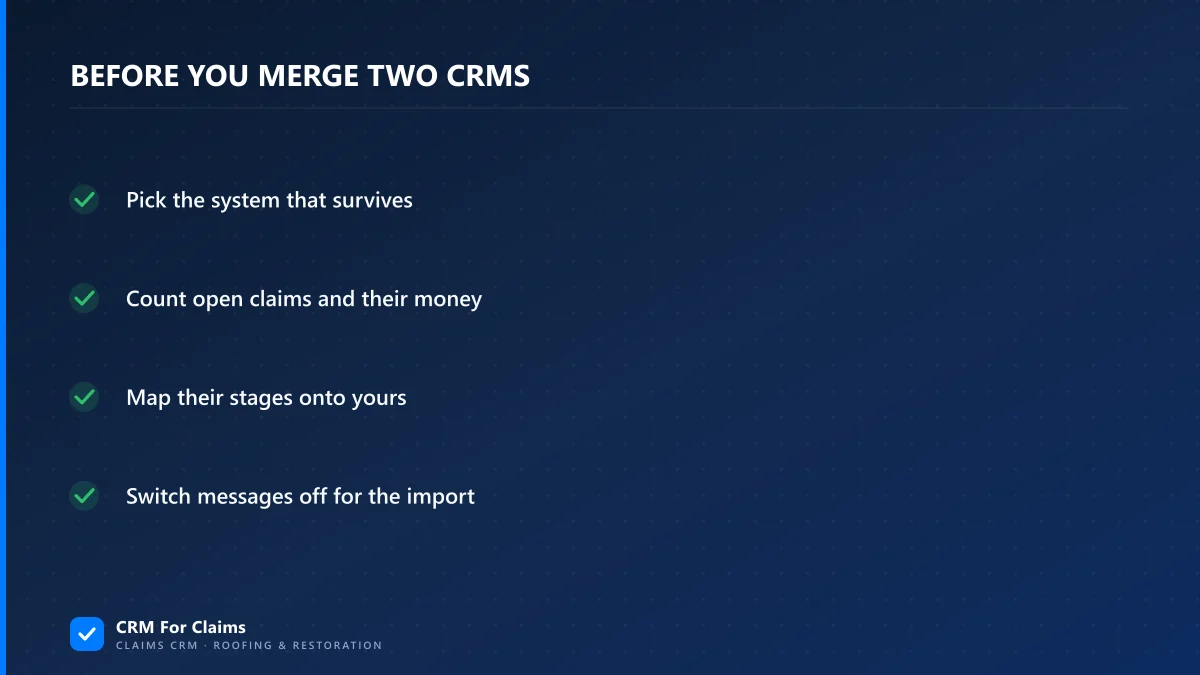
A roofing acquisition CRM clean-up goes in this order: pick the system that survives, count every open claim and the money on it as of the closing date, translate their stage names into yours, settle the homeowners who exist in both systems, and only then import. Most of the damage happens when the import comes first.
I build CRM For Claims, so I see the files that arrive after a deal closes. There are usually two exports that disagree with each other, a list of jobs that are half built, and a seller who is available for questions for about a month. Advice on merging CRMs is mostly written for software companies counting leads. A roofing or restoration company that buys a competitor has a different problem. The records it inherits are roofs that are torn off, checks that are in the mail and warranties somebody promised.
If you are leaving a tool rather than combining two companies, the post on migrating a CRM without losing history is the one you want. This one is about two live books of work.
Which of the two CRMs should survive the acquisition?
Keep the system that models a claim, which is usually the one whose stages match how the bigger office works today. Do not pick by record count or by which owner is louder. If neither system has a place for an adjuster, a carrier and more than one dollar amount per job, the acquisition is a fair moment to replace both.
| What you find | What to keep | Why |
|---|---|---|
| Your office runs claims in a CRM, theirs runs on spreadsheets and a shared inbox | Yours | There is nothing to merge. You are onboarding a new team and typing in their open jobs |
| Both use a CRM, yours has claim stages, theirs is a sales pipeline with tags | Yours | Their tags have to be translated either way. Translate them once, into stages |
| Theirs is cleaner and their office is the one that stays busy | Theirs | The buyer does not automatically have the better system. Moving the smaller book is less work |
| Both are sales tools with workarounds for claims | Neither, long term | Merging two sets of workarounds gives you a third set. Stabilise first, then replace |
Whichever way it goes, decide in the first week and say it out loud to both offices. A team that does not know which system is staying will keep notes in neither.
What has to be counted on the closing date?
Count the claims that are in flight and the money attached to each one. Before anything is imported, both systems get a snapshot taken on the same date: every open claim, where it stands, what was approved, what was invoiced and what was collected. That list is how you find out what you bought.
For every open job in the acquired company, the snapshot needs:
- The property address, the homeowner and the carrier claim number.
- The status in their words, exactly as their system shows it.
- The approved amount, plus any supplement that has been sent and not answered.
- What has been invoiced, what has been collected, and whether recoverable depreciation is still outstanding.
- Who is running the job, and whether that person is staying.
- The next thing that is supposed to happen, and the date it is due.
Items five and six are the ones that get skipped, and they are the reason jobs go quiet in the second month. A claim whose project manager left with the seller has nobody to notice that the adjuster never replied. I wrote about that handover in reassigning a claim when someone leaves, and an acquisition is the same event multiplied by every job on the list.
How do you map their stages onto yours?
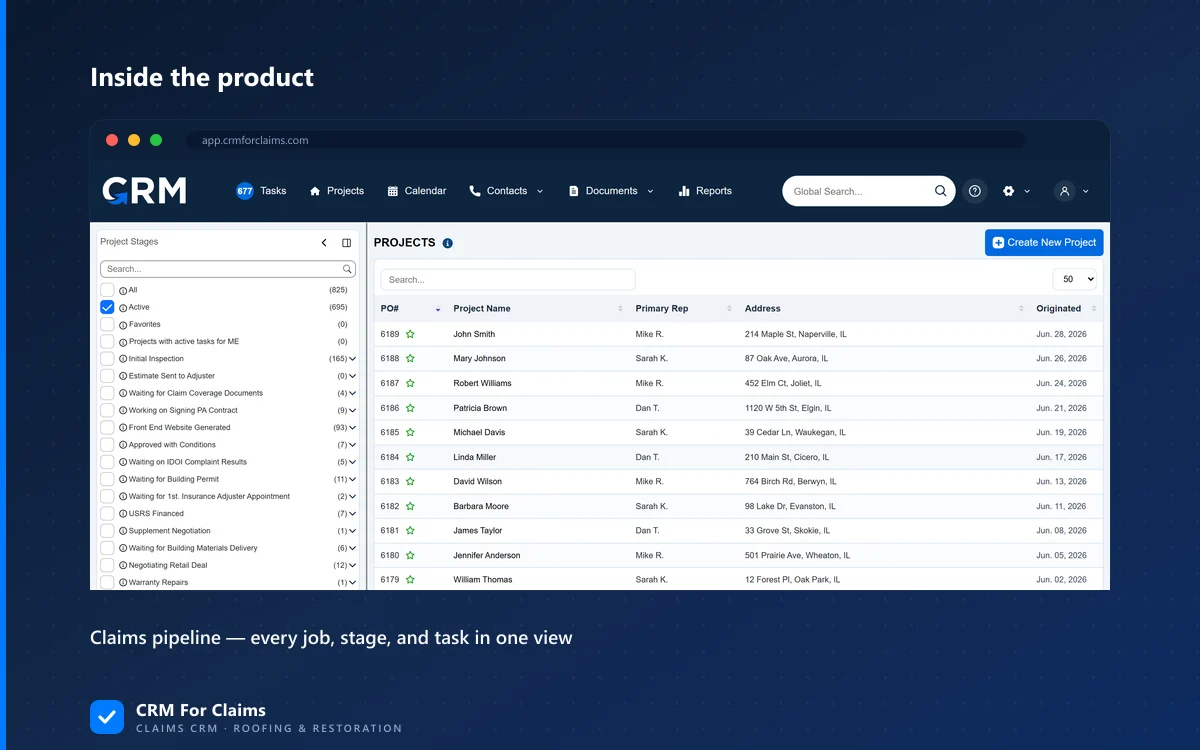
Write one row per status they use and give each row exactly one of your stages. Then open three real jobs in each of their statuses to see what the status meant in practice. A status name tells you what somebody intended in the year they set the system up. The jobs sitting in it tell you how it is used now.
The crosswalk below is an example of the shape, not a template to copy. Your stage names and theirs will differ.
Two of those rows show the usual trap: a single status of theirs covers two of your stages. That cannot be fixed with a column mapping in an import file. Somebody who knows the jobs has to sort them, and the seller's office manager is the person who can do it in an afternoon. Schedule that afternoon while the seller's staff still answer the phone. If your own stages are the thing in doubt, the claims pipeline page shows how we lay one out from intake to paid.
Which record wins when the same homeowner is in both systems?
Match on the property address and the claim number, then decide field by field. Two companies in one market have knocked on the same doors. The same house can be a lost bid in one system and a finished roof in the other. Matching by name or email misses those, because spouses, landlords and adjusters all use more than one.
| Field | Keep the value from | Reason |
|---|---|---|
| Phone and email | The record with the most recent conversation | That is the number somebody reached them on last |
| Property address | Whichever is written out in full | Fix the spelling once and use it as the match key from now on |
| Claim number and carrier | The company that did the work | A bid that was lost never had the final claim details |
| Job history | Both | A house can have two claims in three years. Keep them as two jobs under one customer |
| Notes and messages | Both, labelled with the source company | You will want to know later which office said what |
| Do-not-contact flags | Either one that says no | If the homeowner told one company to stop, the combined company has been told |
Adjusters and carriers need the same pass and take less time. One adjuster who appears under four spellings becomes one contact with every claim linked to it, and that is where a merged contact list starts paying for the effort. In a claims-first system adjusters, carriers and crews are their own contact types, which you can see on the features page.
What comes with the company that is not in any field?
Three things: promises about finished work, signed paperwork in the seller's name, and conversations that live on someone's phone. None of them show up in an export, and all of them turn into a phone call to your office within the first year.
Workmanship warranties on closed jobs
Whether the buyer answers for the seller's warranties depends on how the deal was written, and that is a question for the attorney who wrote it. What the CRM needs is narrower. For any closed job you do answer for, bring over the address, the completion date, the warranty term and the completion photos. The post on warranty callbacks after a claim closes covers what the file should hold.
Contracts and authorizations signed with the seller
Open jobs have a contract, and often a direction-to-pay or a third-party authorization, with the old company name on it. Ask the same attorney which of those need a new signature. Store the originals on the claim either way. Do not regenerate them from your templates and file the new version as if it were the one the homeowner signed.
Texts on personal phones
In a small company the real claim history is in the project manager's text threads. For every open job, ask for screenshots of the threads with the homeowner and the adjuster, and attach them to the claim in the first two weeks. After that the phone belongs to somebody who no longer works for you.
Why should automations be off during the import?
Because stage automation does what it was built to do. If entering the "Scheduled" stage sends the homeowner a text with an install window, then loading 60 inherited jobs into "Scheduled" sends 60 texts, some of them to people whose roof was finished in the spring. It also creates 60 sets of tasks dated today.
Load one job first and watch what fires. Then load the rest with customer-facing messages switched off for the import, and turn them back on once every job sits in its true stage. Ask whoever configures your system how to do that before the import day. If that person is me, ask me. Onboarding is included in our plans for exactly this kind of setup question.
The acquired company has its own automations too, and they keep running until somebody stops them. Review reminders, payment nudges and appointment texts sent from the old system under the old name confuse homeowners who have just been told about the sale. List them in week one and switch them off on the cutover date.
What does the acquired office add to the monthly bill?
On our pricing the answer is $39 a month per added person, and it barely changes whether you merge or keep a second account. Here is the arithmetic for a buyer on the Professional plan with four people who takes on an office of five.
A separate Essentials account for the same five people would be $59 plus 4 x $39, which is $215 a month. Merging costs $195. The difference is $20, so the seat price should not make this decision. Current numbers are on the pricing page. If the other system is a per-seat sales CRM, run the same sum with its seat price and you will usually reach the same conclusion: the cost that matters is the hours of translation, and software fees are small beside it.
What order does the first month go in?
Decide, count, translate, then load. Four weeks is realistic for one acquired office with under a hundred open jobs, provided one named person owns the work and the seller's office staff are still reachable. Without those two conditions it takes a quarter.
The week four check is two numbers. The count of open jobs in the surviving system should equal your open jobs plus theirs, minus the duplicates you merged on purpose. Approved dollars and collected dollars should add up the same way. If either is off, find the gap before anyone starts working the new list.
When is it better not to merge at all?
When the acquired company keeps its own name, its own market and its own manager, and you have no plan to share crews or office staff. Two businesses that do not share work get little from one database, and running claims in two markets has its own costs. Merge reporting first and the systems later, or never.
The same goes for a seller's system that is working well for the people in it. The comparison page says plainly when a general tool is the right call, and that still holds after a deal. If you are looking at two exports and a list of half-built jobs, bring the worst of it and book a live walkthrough. I will show you which parts would come across cleanly and which would need a person to sort them.