Short answer: Put claims on a CRM the moment a second person needs claim information to do their job — usually your first hire, sub, or crew lead — not at some job-count threshold. Before that, a spreadsheet or a notebook that only you read is often genuinely fine.
I build CRM For Claims, and the question I hear most from operators who are still solo, or close to it, is not "which CRM is best." It is "do I even need one yet." Fair question, and the honest answer disappoints people who are hoping for a formula: it is not about how many claims you close a month. It is about the moment someone besides you needs to know what is happening on a job to do their part of it. For most solo roofing and restoration operators, that moment is the first hire — an employee, a sub, or a crew lead who now needs the same picture of a claim that has, until now, lived in your head, your phone, and a notebook on the dash.
What actually breaks when you hire your first crew member?
Hiring turns claim tracking from a personal habit into a shared record. What used to be memory, a phone call, or a sticky note now has to be something a second person can read without calling you — or every job routes back through you as the single point of failure, which is the opposite of why you hired someone.
None of this shows up on day one. It shows up the first time your new hire is standing in front of a homeowner and cannot say what was approved, or texts you from a job site asking for the adjuster's number you have saved under a nickname. It shows up when two people both think they followed up with the same adjuster, or nobody did, because the reminder lived in your head and you were on another roof. A notebook and a good memory scale to one person. They do not scale to two.
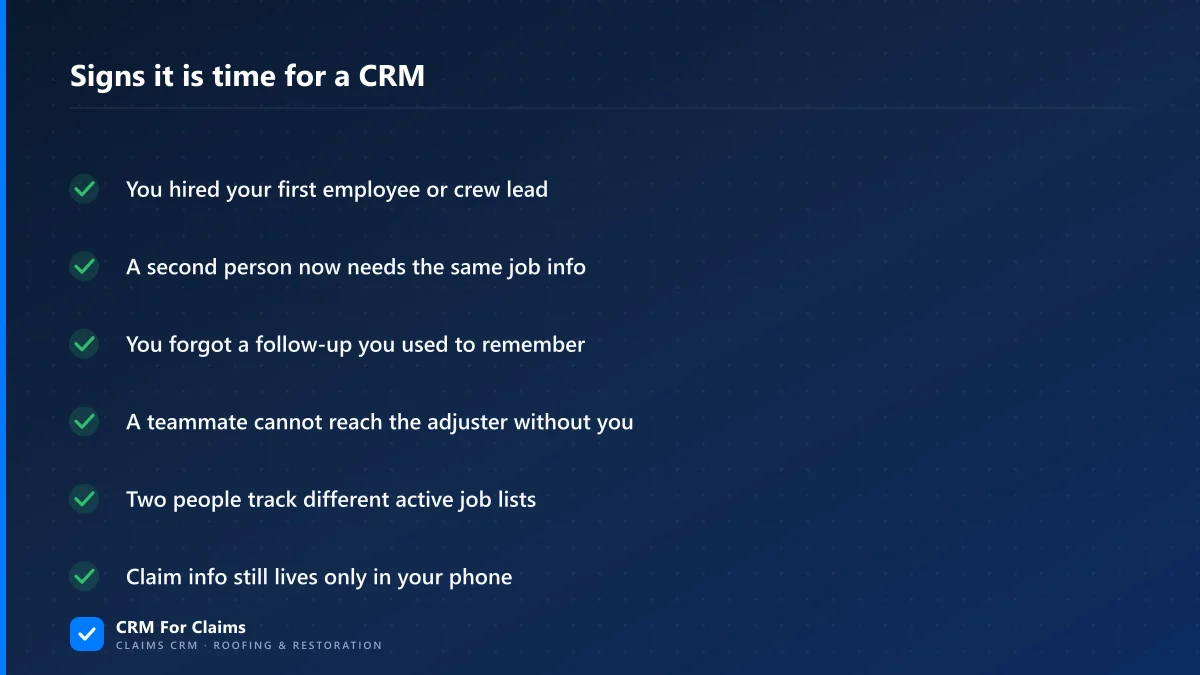
What are the real signals, if it is not job count?
The clearest signal is a second person needing claim information you have not written down anywhere they can reach. Job count is a weak proxy for this — a slow month with a new hire needs a shared system just as much as a busy one, and a fast month running solo may not need one at all.
| Solo-era habit | What breaks once a second person is involved |
|---|---|
| Job details live in your head | Your crew doesn't know the approved scope until you're on-site to tell them |
| You text yourself a follow-up reminder | The reminder never reaches whoever actually needs to make the call |
| The adjuster's number is saved in your personal phone | Nobody else can reach the adjuster without going through you first |
| One running mental list of active jobs | Two people are now working from two different versions of "current" |
Any one of those on its own is annoying. Together, they are the reason a lot of small operators describe their first hire as "harder than I expected" — the work itself was manageable, the information plumbing underneath it was not. Moving that plumbing into a real system, rather than a second phone number to memorize, is what a claims-first CRM is actually for.
Do you need a CRM before you hire anyone?
Usually not. If you are genuinely solo and the only person who ever needs a piece of claim information is you, a spreadsheet or even a paper file can carry you a long way — there is no second person for information to fail to reach. Buying a CRM at that stage is optional, not required.
The exception is volume: if you are solo but running enough active claims that you are already missing your own follow-ups — not other people's, yours — that is a sign your memory has hit its own ceiling, independent of headcount. That is worth fixing early rather than waiting for a hire to force the issue. Everyone else can reasonably wait. Buying software you do not need yet is its own kind of workaround, and I would rather tell you that plainly than sell you a subscription a year early.
What does a claims CRM actually cost for a one- or two-person team?
Small teams usually assume claims software is priced for companies much bigger than them, and back out of even looking. The real math is smaller than that assumption, and it is worth seeing in numbers instead of a vague "affordable" claim.
| Team size | Monthly cost (Essentials plan) |
|---|---|
| You, solo | $59/mo |
| You + first hire | $98/mo |
| You + two crew members | $137/mo |
CRM For Claims' Essentials plan is $59/mo and already includes the company account and your first admin user; each additional user is +$39/mo, month-to-month with no contract. That is the real number to compare against a generic tool's advertised "starting at" price plus whatever seats and add-ons it actually needs to do the same job — see the full breakdown on pricing or a side-by-side on how it stacks up against a generic CRM.
What should move into the CRM first once you make the jump?
Start with what your new hire actually needs to do their job without calling you: the claims that are currently open, the customer and adjuster contacts tied to them, and any deadline you cannot afford to miss. Closed claims and old history can wait, or never move at all — there is no reason to re-key a year of finished jobs to get your crew running.
Your first hire is also the first time "contacts" stops meaning just customers. An adjuster, a crew lead, or a sub now needs to exist in the system as a real contact with a real role, not a name in your phone that only you can look up.
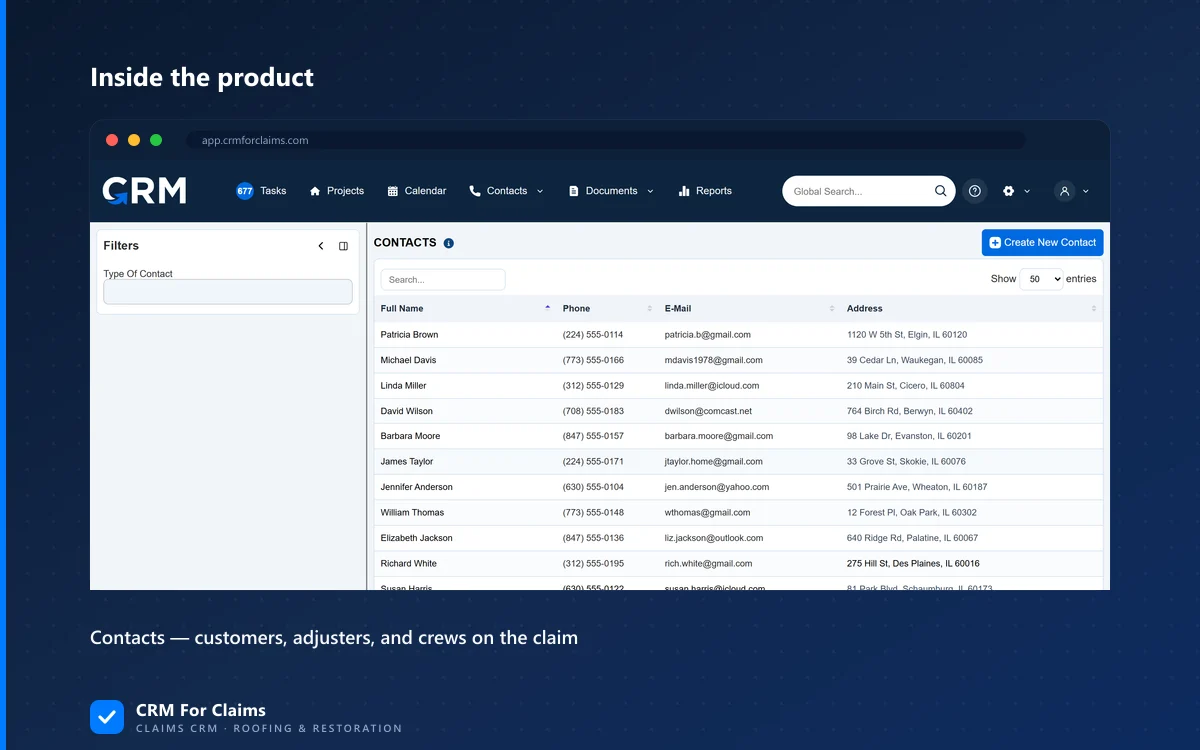
If you want the fuller migration order — what to move first, what to leave in a spreadsheet, and how to do it without losing anything — I wrote up the exact sequence in what to move first when you leave spreadsheets behind. This post is about recognizing the moment; that one is about executing it.
What happens if you wait too long to make the switch?
Nothing dramatic, at first. That is exactly the problem. You build small workarounds — a shared note here, a group text there, a second spreadsheet your new hire keeps updated. Each one is a reasonable patch on its own. The cost shows up later, in the hours spent maintaining patches that a system would have handled for free, and in what happens if the one person who understands the patches is unreachable for a day. I wrote more about that slow accumulation in the real cost of generic CRM workarounds if you want the longer version.
None of this is a hard rule that punishes you for waiting a few weeks past your first hire. It is a signal worth paying attention to: the day a second person needs claim information you have not written down anywhere they can reach, that is the day it is time, whether that is your first week in business or your fifth year. If you want to see what actually changes on day one with a crew, book a live walkthrough and I will show you the real screens, not a slide deck.