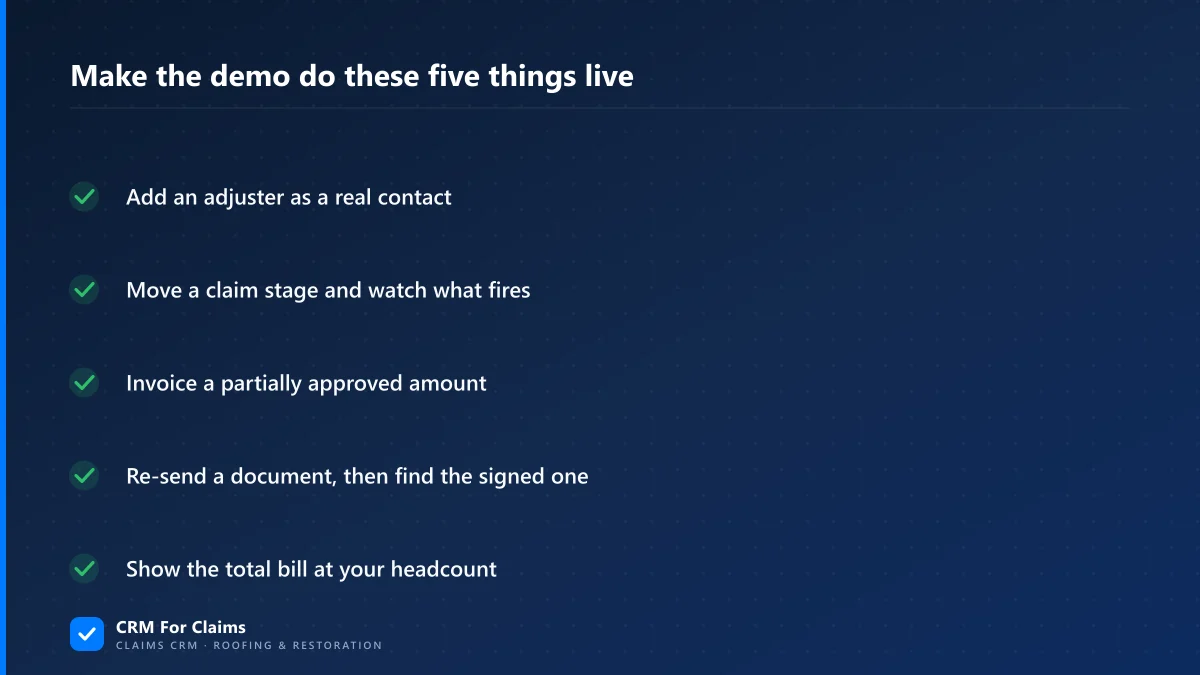
Short answer: A claims CRM demo only tells you something if you bring your own claim to it. Ask the vendor to add an adjuster, move a stage, invoice a partially approved amount and find a signed document — live, on your data. Whatever needs a workaround mid-demo is the workaround you inherit.
I build CRM For Claims, so I am on the wrong side of the table for this one: I run the claims CRM demo, I am the person being evaluated, and I would obviously prefer you liked what you saw. I am writing it anyway, because the calls where someone shows up with a real claim and a list of awkward questions are the ones that end well for both sides. The polite demos where nobody asks anything end in a cancellation four months later, after the buyer has already moved their whole team onto the thing.
This is not a feature wish-list — we already published the buyer's checklist of what a roofing CRM should have. This is about the hour itself: how to run it so it tells you the truth.
What is a claims CRM demo actually for?
Its job is to find the two or three places where your work does not fit the software, while walking away still costs you nothing. Features you can read about on a website. What you cannot read about is what happens when a claim in your business hits a state the product was never shaped for.
Most buyers use the hour as a guided tour and leave impressed, because being impressed is what a tour is designed to produce. The version that pays off is closer to a test drive on a bad road. You are not looking for reasons to say yes; you already have those or you would not be on the call. You are looking for the specific gap you will be living with in March, and the vendor is the only person who can show it to you.
Why does every claims CRM demo look good?
Because the demo account was built to look good. The sample claims are complete, the documents are already signed, nobody has been reassigned, and no adjuster has gone quiet for eleven days. A clean dataset is not dishonest — it just cannot show you any of the states where a system actually struggles.
There is a second reason, and it is more human than sinister: the person demoing has clicked that exact path a few hundred times. They know which screen loads slowly, which label reads oddly, and which corner of the product is half-finished, so the route naturally bends around all three. Nobody decides to do that. It happens the same way you stop noticing the step in your own hallway. The only reliable way around it is to make them walk a route they have not rehearsed.
What should you bring to the demo?
One real claim — the ugliest open one you have. Ideally it has a partial approval, a supplement filed after work started, a document that had to be re-sent, and somebody who took it over from somebody else. Send it to the vendor a day ahead and ask them to build it in front of you.
Strip the homeowner's name and address if you would rather not hand real customer data to a vendor you have not signed with; the shape of the claim is what matters, not who it belongs to. What you are testing is whether the product has a place to put each of these things, or whether the answer is a note field and a shrug. Every property below breaks a different assumption that generic pipeline software quietly makes.
| Put this in your test claim | Because it tests whether… |
|---|---|
| A carrier approval for less than what was submitted | the estimate and the invoice are allowed to be different numbers |
| A supplement filed after the job started | extra scope is its own record with its own status, or just a comment |
| A claim handed from one person to another | the history follows the claim or lives in the first person's inbox |
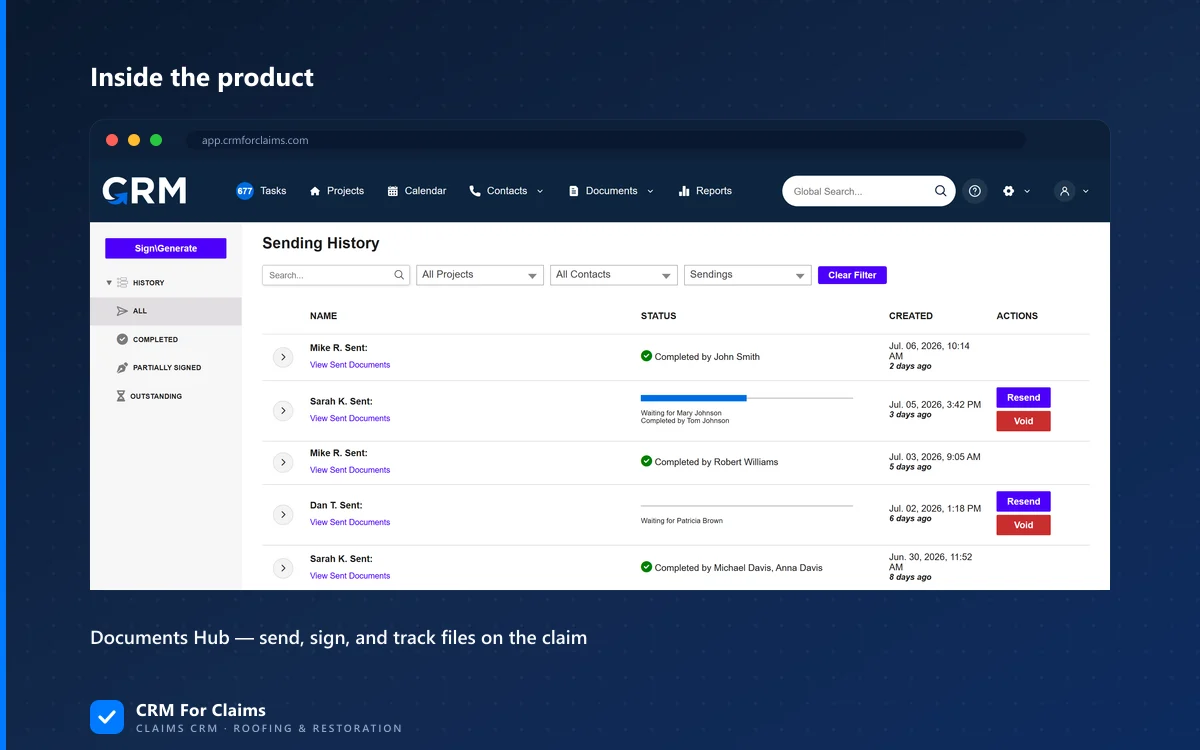
| A document that was sent, corrected, then sent again | anyone can tell which version is the signed one, six months later |
| An adjuster who has not responded in two weeks | a stalled claim is visible without someone remembering it |
If you only have time for one, use the partial approval. It is the single most common thing in insurance restoration work and the single most common thing a general sales CRM cannot represent, because a sales deal is worth what it closed for and a claim is worth several different numbers at once. We went through that math in detail in invoicing from the approved scope.
Which demo questions actually expose a bad fit?
Not "do you have X" — every vendor has X, or has a plan for X. The questions that work force either a live demonstration or a number. Ask to see it, on your claim, right now. Then listen for the handful of phrases that mean a capability lives in the roadmap, in an integration or in a services invoice rather than in the product.
None of the phrases below are automatically a lie. Every one of them is sometimes the honest answer. They are simply the points where the conversation should not move on yet.
| What you hear | What it can mean | Ask this next |
|---|---|---|
| "It's fully customizable" | The claim structure is not built — you build it | "Show me the account exactly as it looks on day one." |
| "We can build that for you" | Custom work, a services quote, or a queue with no date | "Is that in the base plan, and when would it be live?" |
| "Our implementation team sets that up" | You may not be able to change it yourself later | "After go-live, can my office manager add a stage?" |
| "That's on the roadmap" | Useful with a quarter attached, meaningless without one | "Which quarter, and what do I do if it slips?" |
| "It integrates with that" | A second subscription and a second support queue | "What does the integration cost and who fixes it when it breaks?" |
Then ask for the keyboard. Not for the whole hour — ten minutes, on the boring stuff: create a claim, add an adjuster as a contact, move it a stage, upload a photo. Watching someone else drive tells you the product is capable. Driving it yourself tells you how many clicks your estimator will do four hundred times a year, which is the number that actually decides whether people use the system or go back to texting each other. If the answer is "we can get you a trial after the second call," that is a real answer, but note how long the gap is between your question and your ability to check it.
What are the red flags in how a demo is run?
Watch the mechanics, not just the answers. A demo that never touches the live product, never leaves the prepared path, or has nobody in the room who can change a setting is telling you something about what the first month will feel like — regardless of how good the software looked in the slides.
- Screenshots or a recorded video instead of the live app — sometimes it is a genuinely bad connection. Sometimes the live app does not do that yet. Ask them to log in.
- "Let me skip that part" — the one moment in the hour when a route gets shortened is worth more attention than the other fifty-nine minutes.
- Nobody on the call can configure anything — if every "can it do X" becomes "I'll check with the team", you are talking to sales, and you have not yet met anyone who will be involved in your setup.
- The full-price question keeps getting deferred — you should be able to leave the call knowing your total monthly bill at your real headcount. Ours is a base plan plus $39 a month per additional user, and it is on the pricing page precisely so nobody has to ask twice.
- A discount that expires this week — urgency manufactured on a call is about their quarter, not your season. Software you will use for years survives a week of thinking.
What is not a red flag?
Plenty of things get held against vendors unfairly, and treating them as disqualifiers costs you good options. A plain interface, a missing integration you would never use, an honest "I don't know, I'll confirm in writing" — none of those predict a bad year. What predicts a bad year is structure that does not match your work.
- A plain-looking UI. Pretty and useful are unrelated. Judge the number of clicks, not the gradients.
- A roadmap item with a date on it. Every product has a list. A dated one you can hold them to is fine; just do not buy on the strength of it.
- A missing integration for a tool you do not use. Feature-count comparisons punish focused products for not being everything.
- "I don't know" followed by a written answer the same day. That is exactly what you want from support later.
- A vendor telling you that you are not a fit. If you run mostly retail cash jobs with no adjuster involved, claim-specific machinery does nothing for you, and anyone who says so out loud has just saved you a year. I have said it on our own calls, and our comparison page says it in writing.
What should you do in the 48 hours after the demo?
Write it down the same day, while you still remember which answers were confident and which were smooth. Then ask for the two things a demo cannot give you: every "yes we can" confirmed in writing, and the total monthly price at your actual headcount. A vendor who will not put either in an email has answered a bigger question.
- List every capability you were shown live, separately from every capability you were told about. Those are two different lists, and only the first one exists today.
- Get the "yes" list in an email. Not because anyone is lying — because six weeks later nobody remembers whether partial approvals were standard or a configuration item.
- Run the seat math yourself at the headcount you expect after your next hire, not today's. Base plus per-seat is what you will actually pay by spring.
- Do a second, shorter demo with the people who will live in it — the estimator and whoever handles paperwork. They ask different questions than the person signing, and their questions are usually the ones that matter. That call is also where you find out who is really doing your setup, which we covered in onboarding around your process.
All of this applies to us too, which is the point. CRM For Claims is built around claim work specifically — adjusters and carriers as real contacts, stages that continue past the signature, documents that file themselves, invoicing tied to what was approved — and the fastest way to find out whether that matches your business is to make us prove it on your worst open claim rather than our tidy sample one. The features page is the honest inventory; if you would rather test it than read it, book a live walkthrough and bring the claim you would least like to explain.