Short answer: When a text or email logs itself on the claim, anyone working the job can see what was said and when, even after the person who sent it moves on or gets reassigned. When it depends on someone copying it into a note, that history only exists as long as that person remembers to write it down.
I build CRM For Claims, and one thing surprised me when I started watching how restoration and roofing teams actually communicate on a claim: almost none of the important messages happen inside anything that remembers them. The adjuster's decision arrives by email to one inbox. The customer's confirmed repair date comes by text to one phone. A crew lead flags a supplement problem in a group chat. None of it logs itself on the claim — it logs itself into whoever happened to be holding the phone.
What does it mean for a message to log itself on a claim?
It means the SMS or email is sent or received from inside the claim record, tagged to that claim the moment it happens, and shows up in that claim's history without anyone copying, forwarding, or typing a summary afterward.
That's a different thing from "we use a shared inbox" or "we CC the project folder." Both of those still depend on a person recognizing which claim a message belongs to and filing it there by hand, every time, for every claim, for as long as they work there. Self-logging removes the remembering step entirely, because the system already knows the claim before the message exists — it started there.
Why does manual logging break down once more than one person is involved?
It breaks down because it depends on one consistent human habit, repeated for every message on every claim, and that habit slips the moment someone is busy, out sick, or focused on the actual work instead of the paperwork about the work.
On a genuinely solo operation this usually isn't a problem yet — see the honest take further down. But add a second person and the gaps start to matter. A few of the moments that tend to expose them:
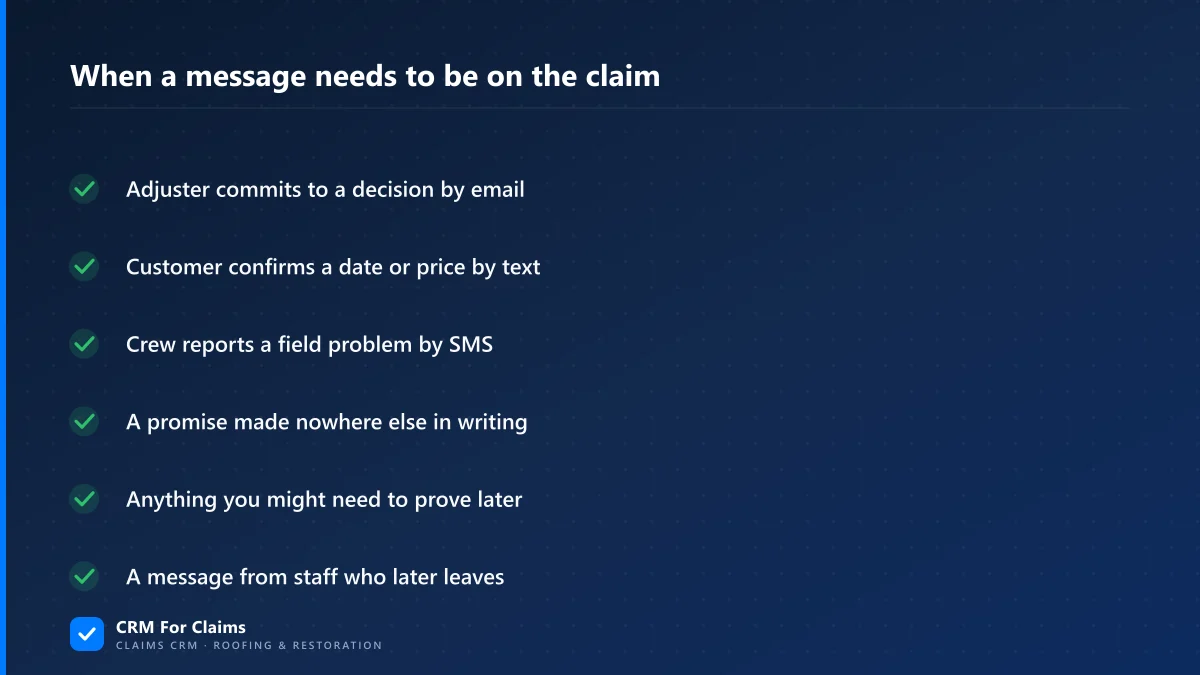
Every one of those gaps looks like nobody's fault in the moment. They only look like a problem weeks later, when someone asks "did the adjuster actually approve this?" and the answer lives on one phone that may or may not still be reachable.
What actually breaks when a message doesn't stay on the claim?
Three things go missing: shared context (everyone works off a different version of what was agreed), a record to settle disputes with, and continuity when the claim changes hands — the history tends to leave with whoever handled it.
None of this shows up as a dramatic failure. It shows up as small friction that adds up: a teammate re-asking a question the adjuster already answered, a customer getting a different answer from two different people, a reassigned claim starting over from a blank page. Here's the same set of situations compared directly:
| When something needs to be checked later | Message lived in an inbox or phone | Message logged on the claim |
|---|---|---|
| A customer says "nobody told me that" | You're searching one person's sent folder | You open the claim and it's there, timestamped |
| An adjuster disputes what was approved | You're asking whoever handled that email | The approval email sits on the claim record |
| The person who handled it leaves the company | Their message history mostly leaves with them | The history stays with the claim, not the person |
| A claim gets reassigned mid-job | The new person starts from a blank page | The new person reads the full message thread |
Isn't a shared inbox basically the same thing?
Not quite. A shared inbox or a CC'd team address means more people can see a message, but it still doesn't tie that message to one specific claim automatically — someone still has to know which of your open claims a given email belongs to and file it there.
And a shared inbox only ever covers email. Text messages are the bigger blind spot, because they go to a personal phone number by default, not to any address a second person can see at all. A team that solved "everyone can read the email" often hasn't solved "everyone can read the text," and on a lot of claims, the text is where the real commitments get made — a repair date, a price, a promise to call back.
How does a CRM actually make SMS and email log themselves?
By sending and receiving the message from inside the claim record in the first place, not by scanning inboxes afterward looking for keywords. When you message a contact from the claim's own screen, the system already knows which claim it belongs to before the message is sent — there's no filing step to skip or forget.
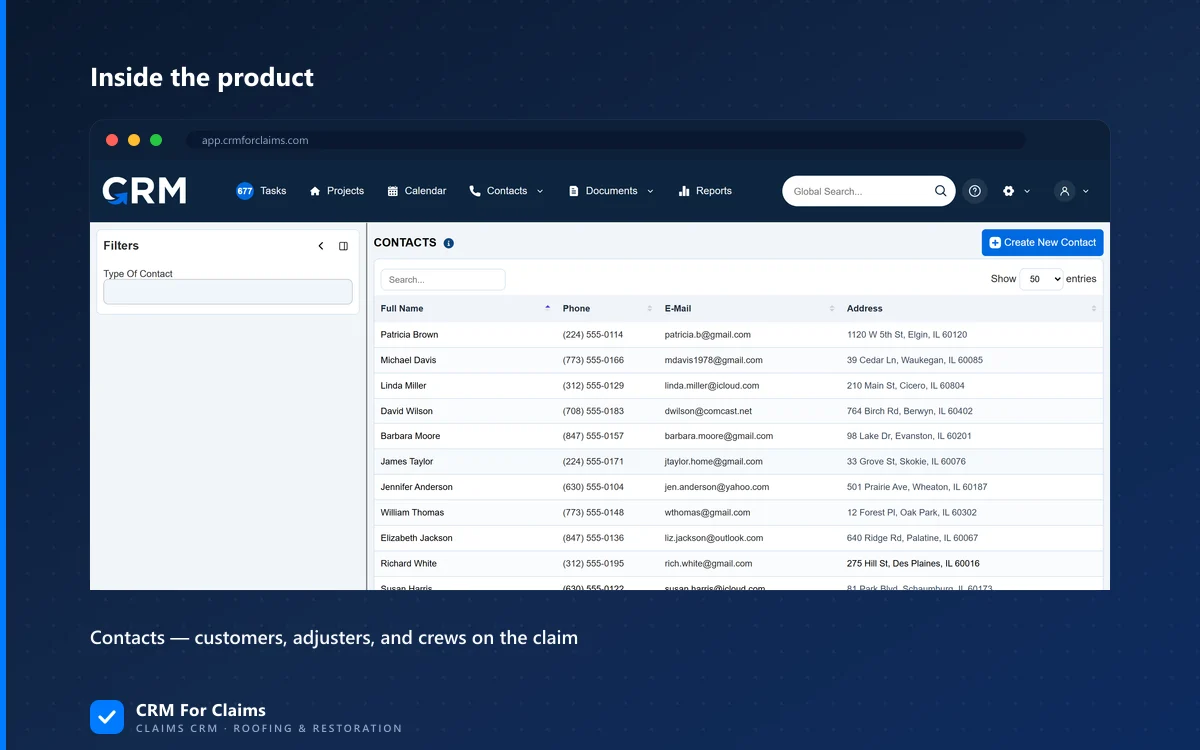
That's the mechanism behind the contacts and communication tools in CRM For Claims: customers, adjusters, carriers, and crews are attached to the claim as real contact records, and a text or email sent to any of them from that claim is recorded with a sender, a timestamp, and a thread, automatically. It's the same idea covered from the adjuster side in keeping adjuster conversations on the claim instead of an inbox, and it works the same way for the customer-facing and crew-facing side of a job.
Does this replace the Documents Hub, or is it a separate thing?
It's separate, and they work together. Messages are the back-and-forth — questions, confirmations, updates. Documents are the formal paperwork — estimates, authorizations, signed agreements. A claim needs both logged, for different reasons.
The overlap is real, though: a signed document is often the result of a conversation, and it helps to see them on the same claim timeline instead of in two unrelated systems. How a Documents Hub replaces email as the filing system for signed paperwork covers the document side in depth if that's the piece you're missing.
When is keeping track by hand still genuinely fine?
If you're the only person on every claim from intake to invoicing, manual tracking is honestly fine — there's no second person for a message to fail to reach, and your own phone's message history already works as your record.
That changes the moment someone else — a hire, a sub, a dispatcher taking calls while you're on a roof — needs to know what a customer or adjuster said without calling you first. That's less about claim volume and more about a second person entering the picture at all, a point covered in more depth in solo operator to first crew: when to add a claims CRM. Essentials starts at $59/mo for the company account and first user, with $39/mo per additional person after that — worth knowing before you assume this is expensive to fix.
- Log at the source, not after the fact — the message logs itself because it was sent from the claim, not because someone remembered to file it there.
- SMS needs its own answer — a shared inbox fixes email visibility and does nothing for text messages sent to a personal phone.
- The test that matters — could a teammate who wasn't on the call still answer the customer's question correctly, right now, without texting you first?
None of this is really about software for its own sake — it's about not having to reconstruct a conversation from memory three weeks after it happened. If you want to see how contacts, messages, and documents actually sit on one claim record inside CRM For Claims, compare it honestly against what you're using now on the comparison page, or just book a live walkthrough and bring a real claim to look at.